Browser Tools
The Hyper Menu: Find Shops, Claims, Warps, and Activities
Open /m on HyperBlocks Survival to find shops, claims, travel, and activities in one place.
Join and Link Your Adventure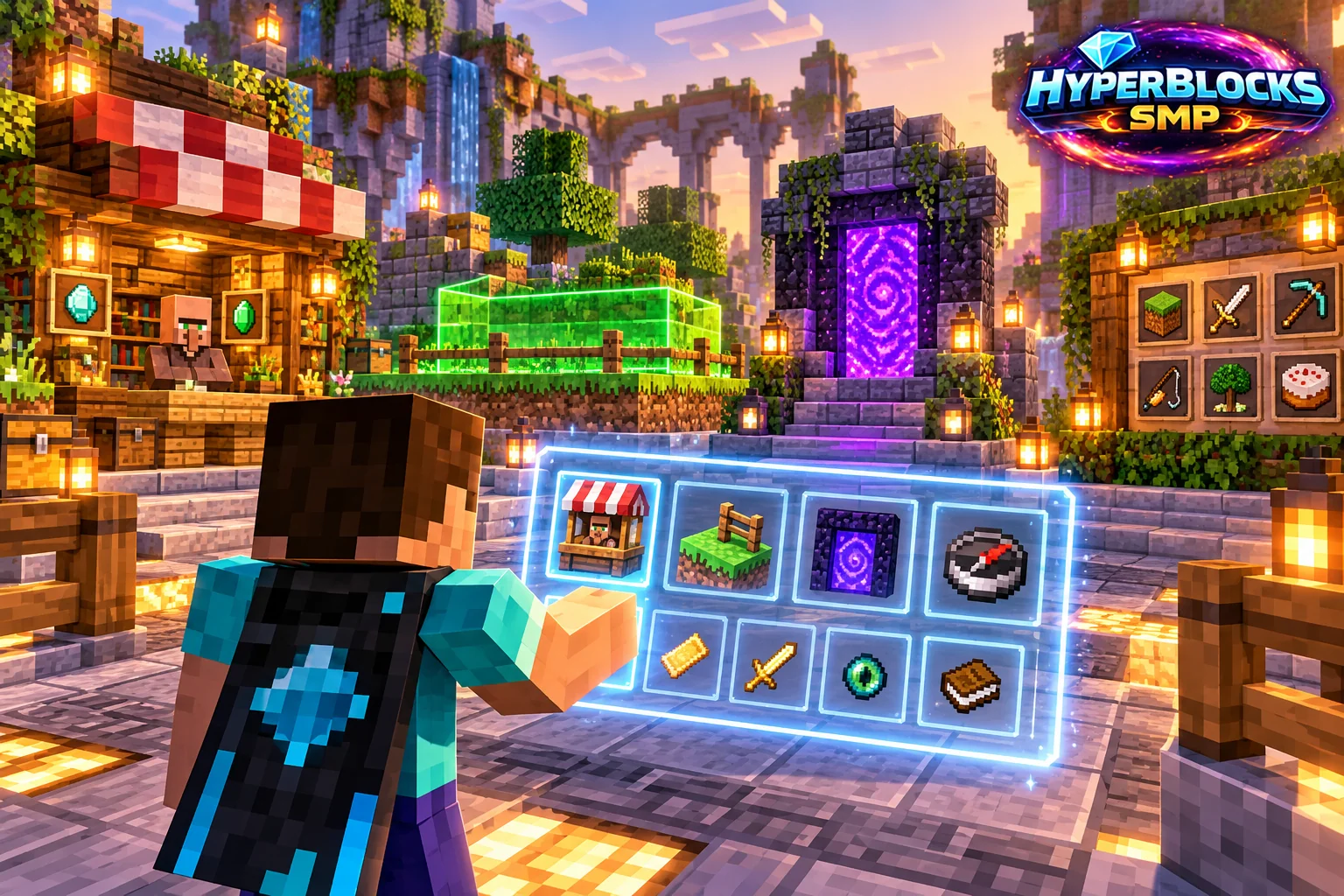
Find the Tool for Your Goal
For a base, look for claims and homes-related controls. For trading, open Marketplace for Shop, Sell Items, Auction House, and Buy Orders. For exploration, inspect the available warps and adventure destinations. The menu also connects to help, voting and other player activities. Choose one relevant tool instead of opening every screen in sequence.
Read the Available Actions
The next Survival restart will simplify the Java Kits menu to one button per kit. Hover over a kit to see its contents, then click to claim it when eligible. Bedrock keeps separate preview buttons. Inventory screens may still offer left-click, right-click, or shift-click actions; read the item information before choosing. Follow each screen’s confirmation steps when buying, selling, or listing items.
See the HyperBlocks SMP game-menu guide for the Lobby entry and grouped Survival layout.
Try Hyper Duels
Use /hyperduel on Survival to open Hyper Duels. Review the opponent and the match options in the menu before confirming. See the Hyper Duels guide for the available commands.
Related planning: Managing Minecraft Homes from Your HyperBlocks Profile; .
Put This Into Practice on HyperBlocks
HyperBlocks browser tools require a linked account, and live inventory or claim changes require you to be online in Survival. The wiki explains the connection requirements for each tool.
Reference and Further Reading
Use the current HyperBlocks menus and linked reference for server-specific requirements.
Your Next Adventure
Bring Your Next Project Into Focus
Join HyperBlocks Survival and find your HyperCode on the scoreboard. Link it to your website account to use the browser tools, then organize the next step of your build. Stay online in Survival when using tools that require a live connection.