Browser Tools
HyperBlocks Leaderboards: Crop Progress and Active Standings
Follow Crop of the Month, browse all community leaderboards and compare your progress in the right scoring period.
Join and Link Your Adventure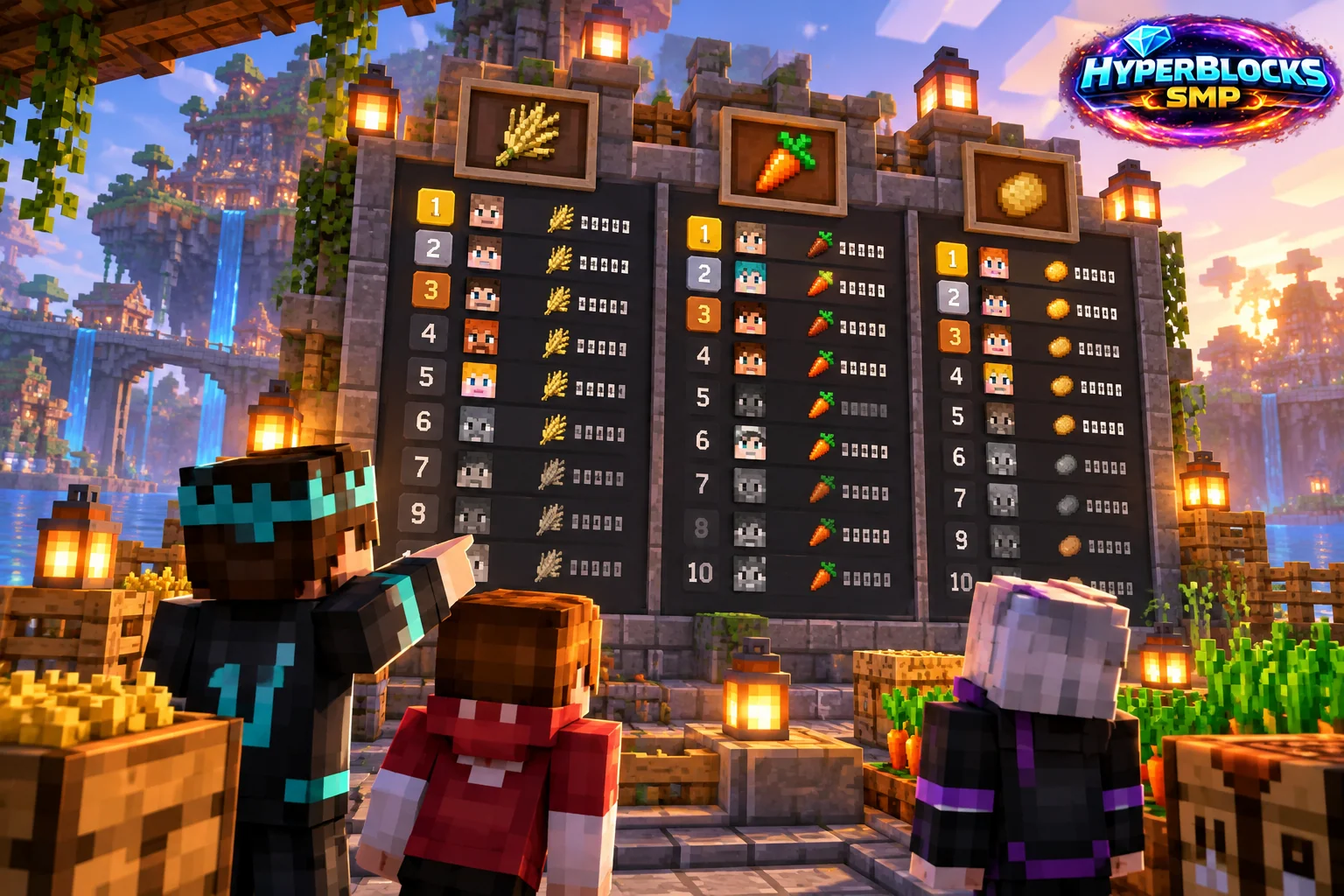
Choose the Board You Mean
Boards opens with Crop of the Month and its current standings. Use the categories at the top to browse Playtime, Voting, Farming, Economy, Combat and Referrals. Choose a category, then select a board from the row beneath it to see the full standings. Boards and periods appear when they have qualifying standings. Total Playtime brings recorded playtime together in one board.
Compare the Right Period
Crop of the Month follows the current calendar month in Eastern time. Other farming boards offer This Month and All Time. Weekly, monthly and all-time voting each have their own board. Playtime, kills and deaths are all-time totals; economy boards show current balances. Leaderboard participation does not depend on a login or playtime activity window.
Count Real Progress
For crop competitions, read the current announcements and scoring rules before designing a farm around a particular harvesting method. Placing and breaking a stack is not automatically equivalent to growing eligible crops. Server rules can distinguish natural growth from placed materials, so a large storage chest is not proof of counted harvest progress.
Use the Board as Feedback
Pick an activity you enjoy, make a small amount of legitimate progress and inspect the updated category. Keep normal resource production separate from assumptions about event prizes. Reward amounts, eligibility and competition periods belong to the current published event details, not an evergreen farming guide. The page is useful for following progress even when you are not chasing first place.
Related planning: How to Use Your Minecraft Inventory and Ender Chest in a Browser; Container View Access: Share Visibility Deliberately.
Put This Into Practice on HyperBlocks
HyperBlocks browser tools require a linked account, and live inventory or claim changes require you to be online in Survival. The wiki explains the connection requirements for each tool.
Reference and Further Reading
Use the current HyperBlocks menus and linked reference for server-specific requirements.
Your Next Adventure
Bring Your Next Project Into Focus
Join HyperBlocks Survival and find your HyperCode on the scoreboard. Link it to your website account to use the browser tools, then organize the next step of your build. Stay online in Survival when using tools that require a live connection.
Website leaderboards show your nickname when you have one. Otherwise, they show your Minecraft name. Changing your nickname does not change your scores or ranking.