HyperBlocks Playbooks
Use HyperBlocks Chat for a Shared Building Project
Coordinate supplies and construction with clear messages and a shared plan.
Join Your Next Shared Adventure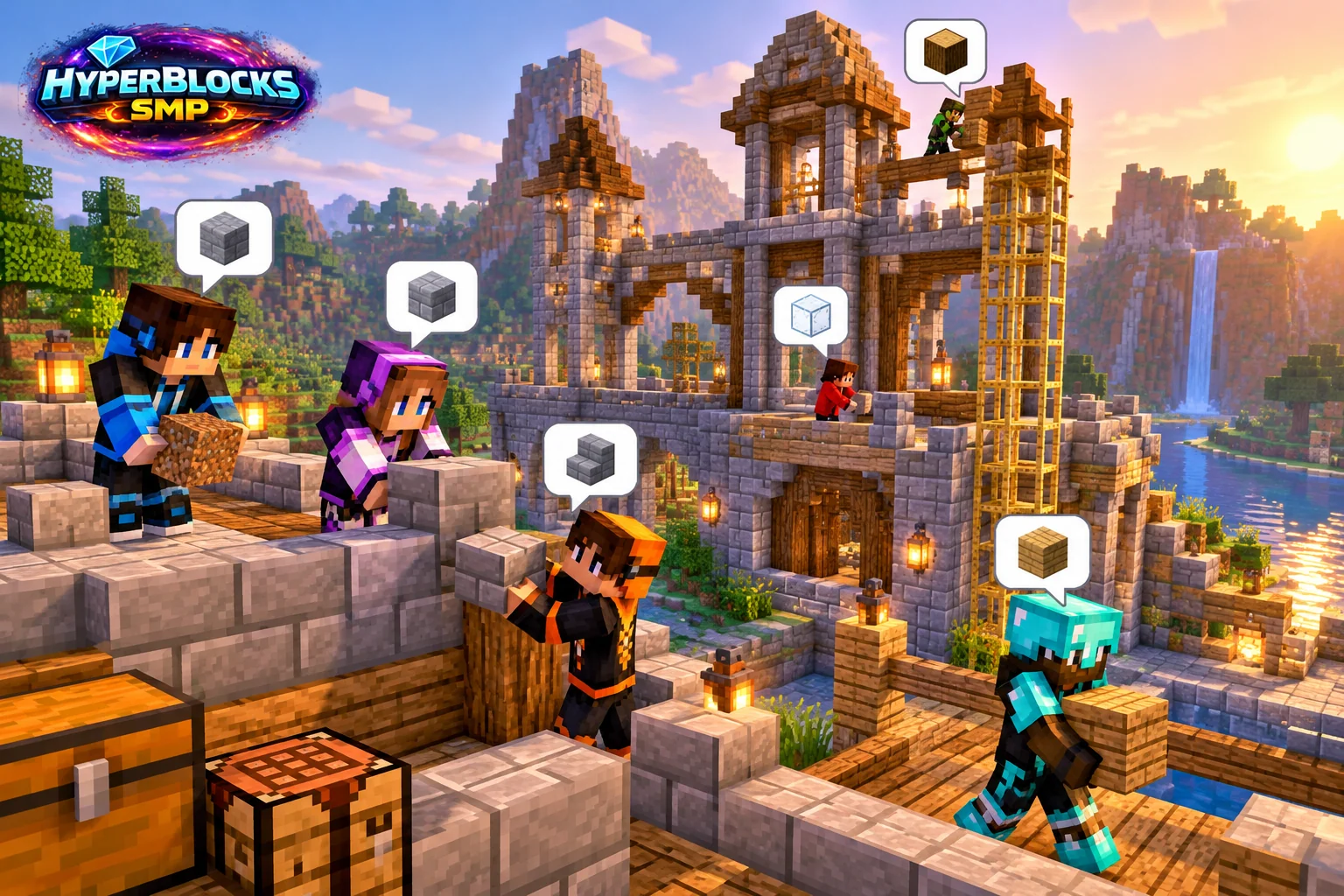
Choose the Intended Audience
Use public chat for community discussion and private messages for details meant for one player. Keep private coordinates, account information and personal details out of public chat.
Make the Project Messages Specific
State the current phase, missing materials and the location of shared supplies. Short concrete updates are easier to act on than repeated general requests for help. Agree which player is editing a shared area before several people change the same blocks.
Separate Chat From Permissions
Chatting together does not grant access to another player’s claim. Set building and container access through the appropriate server controls. If voice is useful, check its current client and realm requirements separately rather than assuming every player has it configured.
Close the Loop When the Phase Ends
Tell the group what is finished and where surplus materials went. Update the next task instead of leaving an old request active. Keep messages useful by agreeing on a clear shared plan.
Play This on HyperBlocks
HyperBlocks public chat and private messages help players coordinate in game. Optional proximity voice has separate setup requirements and is available for Java Survival.
Reference and Further Reading
Build layouts are original suggestions. Check your edition, version and current server menus when applying game mechanics or server settings.
Your Next Adventure
Make the Next Adventure a Shared One
Give your group a project to rally around. Join HyperBlocks Survival, find a place for your base and use the chat tools to coordinate supplies, building and your next trip.